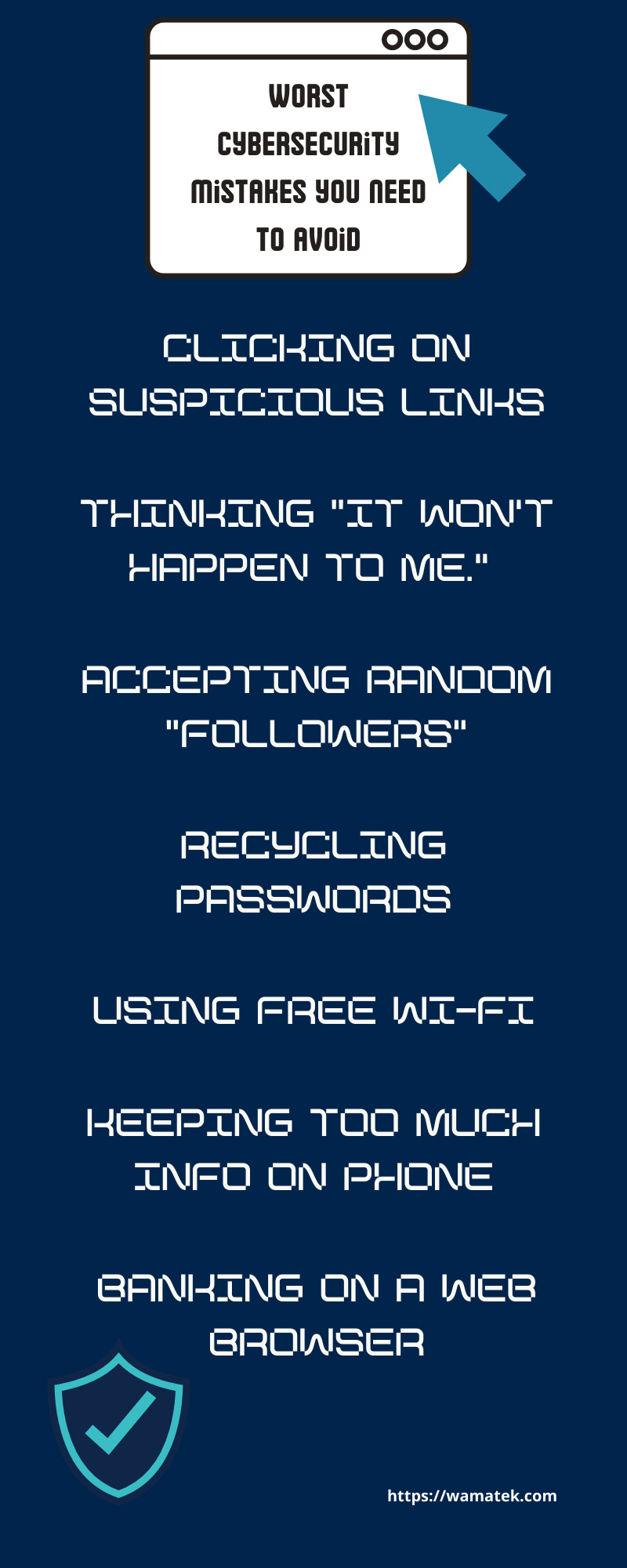
Technology has advanced further than humanity could’ve ever imagined, and it’s only getting faster. With new technologies come easier ways for hackers to gain access to people’s private information, which is why we need to do our part to protect ourselves. Most of the population owns a smartphone by now, even children! That creates many opportunities to either efficiently protect your phone or accidentally set yourself up for a cyberattack. Today, we’ll examine some of the worst cybersecurity mistakes you need to avoid to ensure you’re protected online.
Clicking on Suspicious Links
Avoiding clicking on suspicious links is a tip you repeatedly see on the news because hackers continuously devise new ways to trick people into sharing their information. Having a minicomputer at the palm of your hand makes it easier for criminals to encourage you to click on their malicious links. This is called “phishing.” It’s a technique that includes sending false links to a victim to steal their information. For example, one might receive a text stating that they’re pre-approved for $100,000. It may also be possible that the text comes at the perfect time (the victim may have trouble paying rent this month), and now the hacker has got that person right where they want them. Now, the first thing to look for is incorrect grammar and misspellings. This is a surefire way to detect scams. While a professional business may make these mistakes, too, it’s scarce. Remember, it’s always best to Google the company, research them, and possibly even call them to ensure they actually sent that text.
Thinking “It won’t happen to me.”
You see millions of hacker avoidance tips on the news because it happens every day. In fact, there is a hacker attack
A large portion of the world’s population experiences a cyberattack each year. So, while it may not have happened to you yet, it’s possible that you could experience one too if you don’t set up the proper cyber protection. Underestimating cybersecurity threats can put you at risk and be detrimental to your personal and professional life. However, by following proper cybersecurity advice, you help block the hacker’s access to your information.
Accepting Random “Followers”
One of the biggest mistakes many people make on various social media platforms is accepting random followers without researching them first. For example, let’s say you just received a friend request from a friend. It seems harmless to accept it, so you click “confirm.” But wait a minute, aren’t they already in your “friends” list? Perhaps they created a new account. A few days later, someone hacks into that social media account… This happens more often than you think. Hackers create new accounts using photos and information from existing profiles to trick people into thinking they are friends. When you receive a request from an existing friend, reach out to them and ask if they created a new account. If they say no, you’ve just caught a hacker, and your next step is to report them.
Recycling Passwords
Reusing passwords is one of the easiest ways for hackers to access your information. Here are a few methods they use to hack into your account:
- Brute Force: This happens when a criminal simply guesses every potential combination of password features you might use. This method can be slow and ineffective (unless you use Password123).
- Dictionary: Hackers use this method when they fact check different passwords in a dictionary to determine all known words and common passwords you might’ve used in the past.
- Social Engineering: This is perhaps the scariest method criminals use to steal our information. This is when they analyze your social media accounts to determine your interests, partners, pets, and more. 15% of the population use pet names as their passwords. They use the information you provide online to crack your passwords.
- Phishing: As mentioned before, phishing is another form of a cyberattack where a hacker sends you false URLs to trick you into entering personal information.
- Malware: If you see an application that appears legitimate, be sure to check it twice before downloading it on your phone. Installing malware on your cellphone essentially forces you to share your info straight to the hacker’s computer without you even realizing it.
To create a strong password, you might use four different words that have nothing to do with each other (upper and lowercase), numbers, and symbols totaling 12+ characters. Try to use this method to create a different password for
all your accounts.
Using Free Wi-Fi
Have you ever been to a coffee shop, medical office, or an airport that advertises free Wi-Fi? It may sound like a miracle, but it’s actually an excellent way for hackers to steal your info. Wi-Fi that enables access to the public has an unsecured connection, allowing criminals to secretly plant malware on your phone or see important login info, emails, texts, and more. Before visiting public locations, turn off the Wi-Fi feature on your phone to avoid automatically connecting to an open internet.
Keeping Too Much Info on Phone
We use our phones for just about everything in today’s world, so it makes sense to keep your personal information on your phone. However, it’s a quick and easy way for a hacker to steal addresses, banking info, photos, health info, and more all in one place. If you struggle to remember passwords, write your login info on a piece of paper and place it in a secure location in your home. This can also help save space on your device, which can be especially helpful if you own
Pre-owned mobile devices might not have as massive memories as newer iPhones, so it’ll be easier for you to regularly backup your data. Just be sure to periodically update your phone to ensure you allow your phone to fix security holes for you automatically.
Banking on a Web Browser
Most banks in the U.S. now enable their customers to do their banking online, making them easier targets for hackers. If you access your bank account on a web browser, you might be at risk of a cyberattack because specific mobile browsers don’t utilize the same security as banking institutions. Be sure to utilize your bank’s mobile app to access your account to stay safe and protect your information. Now that you understand some of the worst cybersecurity mistakes you need to avoid, you can better manage your mobile device and protect yourself from cyber-attacks. Use your phone wisely!